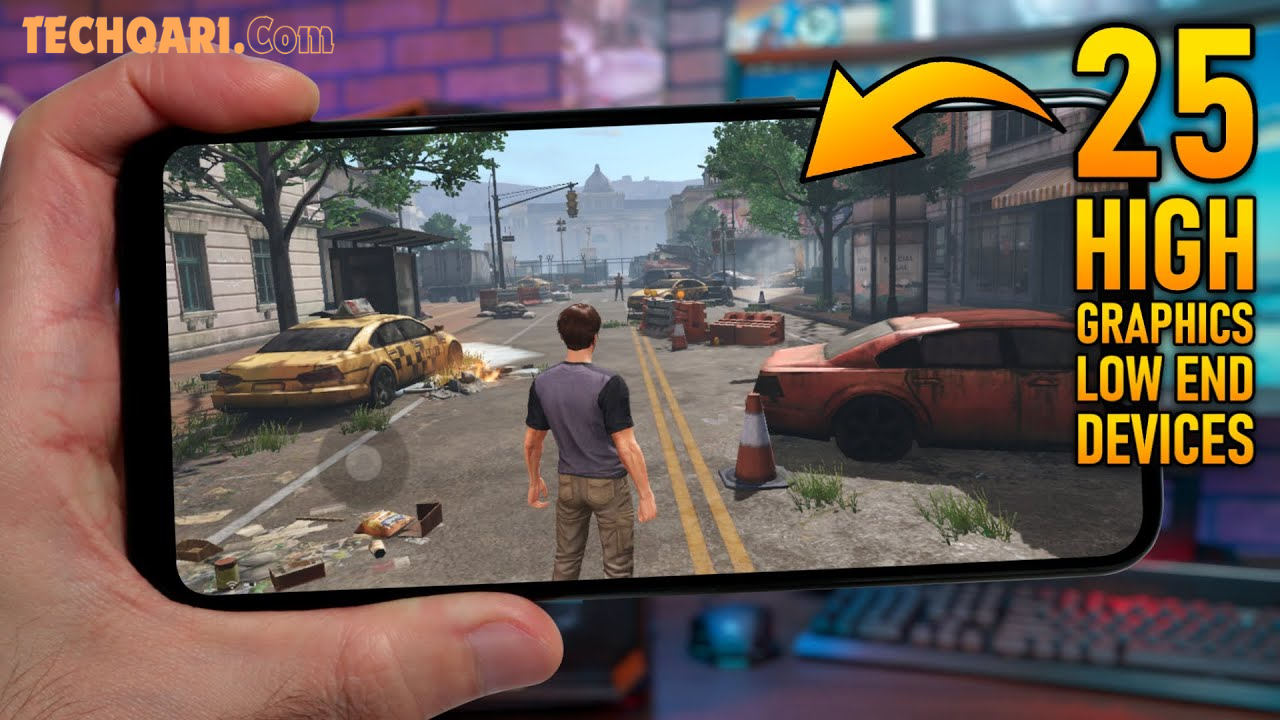

Who says you need a flagship phone to enjoy stunning games? In 2026, mobile game developers have finally cracked the code — delivering console-quality graphics that run beautifully even on budget Android devices.
Whether you own a 2GB RAM phone or an older mid-range device, this guide is for you. You will discover the best high-graphics Android games of 2026 that are fully optimized, smooth to play, and completely safe to enjoy. Let’s dive in.
What Are High Graphics Android Games for Low-End Devices?
High graphics games for low-end devices are mobile games that offer impressive visual quality — detailed environments, realistic lighting, and smooth animations — while being carefully optimized to work on phones with limited RAM, older processors, or smaller storage.
These games use smart compression, adaptive graphics settings, and efficient game engines like Unity and Unreal Engine to deliver a great experience without overloading your hardware.
Simply put: great visuals, low requirements.
Why High Graphics Games Now Work on Low-End Phones
A few years ago, beautiful games demanded powerful hardware. That has changed dramatically in 2026. Here is why:
- Better game engines — Modern engines automatically adjust quality based on your device.
- Smarter compression — Textures and assets are compressed without losing visible quality.
- Adaptive graphics settings — Games let you manually lower or raise settings to match your phone.
- Smaller file sizes — Developers now deliver high quality in lighter packages.
- Cloud-assisted rendering — Some games offload heavy processing to the cloud.
This means budget phone users no longer have to settle for basic, low-quality games.
Best High Graphics Android Games in 2026 That Run on Low-End Devices
Here are the top games recommended for 2026 — each chosen for visual quality, smooth performance, and compatibility with low-end devices.
1. Genshin Impact
Genshin Impact remains one of the most visually stunning open-world games available on Android. Despite its beautiful anime-style graphics, it offers a “Lowest” graphics mode that runs surprisingly well on devices with just 3GB RAM.
- Graphics style: Anime open-world
- Minimum RAM: 3GB
- Why it works: Built-in graphics optimizer and strong server-side support
2. PUBG Mobile (Smooth + HD Mode)
PUBG Mobile in 2026 continues to dominate the battle royale space. Its “Smooth” and “Balanced” modes are specifically designed for older hardware, yet still deliver satisfying visuals with solid frame rates.
- Graphics style: Realistic battle royale
- Minimum RAM: 2GB
- Why it works: Multiple graphics tiers including a dedicated low-device mode
3. Call of Duty: Mobile
COD Mobile offers fast-paced action with sharp, detailed environments. Its graphics engine is one of the most optimized on the market. Even on a 2GB device, the game runs at a stable frame rate with decent visual quality.
- Graphics style: Military shooter
- Minimum RAM: 2GB
- Why it works: Lightweight build with auto-detect graphics feature
4. Sky: Children of the Light
Sky is one of the most breathtaking games visually — warm glowing skies, flowing capes, and peaceful open worlds. Amazingly, it is built to run on lower-end hardware with minimal lag.
- Graphics style: Fantasy adventure
- Minimum RAM: 2GB
- Why it works: Designed with accessibility in mind, runs on a wide range of devices
5. Alto’s Odyssey: The Lost City
This award-winning endless runner game features gorgeous hand-crafted visuals and a calming atmosphere. It runs perfectly even on very old Android phones.
- Graphics style: Stylized adventure runner
- Minimum RAM: 1GB
- Why it works: Lightweight engine with stunning artistic design
6. Oceanhorn 2
Oceanhorn 2 is often called the “Zelda of mobile.” It features rich 3D environments, detailed characters, and expansive worlds — all optimized to run on mid-to-low-end Android devices.
- Graphics style: Action RPG
- Minimum RAM: 3GB
- Why it works: Uses Unreal Engine 4 with smart optimization for mobile
7. Asphalt 9: Legends
For racing fans, Asphalt 9 delivers high-octane visuals with sleek car models and dynamic environments. Its graphics scaling system ensures smooth gameplay even on budget phones.
- Graphics style: Arcade racing
- Minimum RAM: 2GB
- Why it works: Auto-adjusts graphics based on device performance
Comparison: High Graphics vs. Regular Android Games
| Feature | High Graphics (Optimized) | Regular Games |
|---|---|---|
| Visual Quality | Excellent to Outstanding | Basic to Average |
| RAM Requirement | 1GB – 3GB | Under 1GB |
| Frame Rate on Low-End | 30–60 FPS (with settings) | 60+ FPS easily |
| File Size | 500MB – 2GB | Under 200MB |
| Battery Usage | Moderate | Low |
| Fun Factor | Very High | Varies |
Pros and Cons of Playing High Graphics Games on Low-End Devices
✅ Pros
- Access to visually rich gaming experiences without spending money on new hardware
- Many games offer adjustable settings so you stay in control
- Improved game engines mean smoother performance every year
- You enjoy the same games as high-end users, just at lower settings
❌ Cons
- Battery drains faster compared to simple games
- Devices may heat up during long sessions
- Some features (like ultra HD textures) remain locked on low-end hardware
- Storage space can be a challenge with larger game files
Practical Tips to Run High Graphics Games Smoothly on Low-End Phones
Follow these tips to get the best performance from your device:
1. Lower in-game graphics settings Most games have a settings menu with options like Low, Medium, and High. Start with Low or Smooth and gradually increase until you find the sweet spot.
2. Free up your RAM before playing Close background apps before launching a game. Even freeing 200–300MB of RAM can noticeably improve performance.
3. Enable Game Mode or Performance Mode Many Android phones have a built-in Game Mode in Settings. Turn it on to prioritize game performance.
4. Keep your phone cool Overheating causes frame drops. Play in a cool environment and take short breaks during long sessions.
5. Clear cache regularly Old cached data slows your phone down. Clear app cache every week to keep things running fresh.
6. Update your games regularly Developers frequently push performance patches. Keeping games updated ensures you benefit from the latest optimizations.
7. Use a stable internet connection For online games, a stable Wi-Fi connection reduces lag and prevents sudden disconnections that feel like performance issues.
FAQs
Q1: Can I play high graphics games on a 2GB RAM Android phone? Yes, you can. Games like PUBG Mobile, COD Mobile, and Sky are fully playable on 2GB RAM devices, especially when you adjust the in-game graphics to the lowest or smooth settings.
Q2: Will playing high graphics games damage my low-end phone? No, it will not damage your phone. However, extended gaming sessions may cause your device to heat up. Taking breaks and keeping your phone cool prevents any long-term impact.
Q3: How do I check if a game supports low-end devices? Visit the game’s page on the Google Play Store and scroll to the “Requires” section. It lists the minimum Android version and RAM needed. If your phone meets those, the game should run.
Q4: Which game engine is best optimized for low-end Android devices? Unity is widely considered the most accessible engine for low-end devices. Many lightweight but visually impressive games are built on Unity. Unreal Engine 4 and 5 are also increasingly optimized for mobile.
Q5: Do high graphics games use more mobile data? Yes, online high-graphics games typically use more data than simple games. If you are on a limited data plan, connect to Wi-Fi before playing or look for offline-compatible game modes.
Conclusion
In 2026, having a budget Android phone no longer means missing out on beautiful, immersive gaming experiences. With the right games and a few smart settings tweaks, your device can deliver hours of smooth, visually rich gameplay.
From the open worlds of Genshin Impact to the peaceful skies of Sky: Children of the Light, there is something exciting for every type of gamer — regardless of what phone you carry.
Start with one game from this list, adjust your settings, and enjoy the experience. Your next favorite game might already be waiting for you.
Explore more tips and game recommendations to level up your mobile gaming experience. 🎮