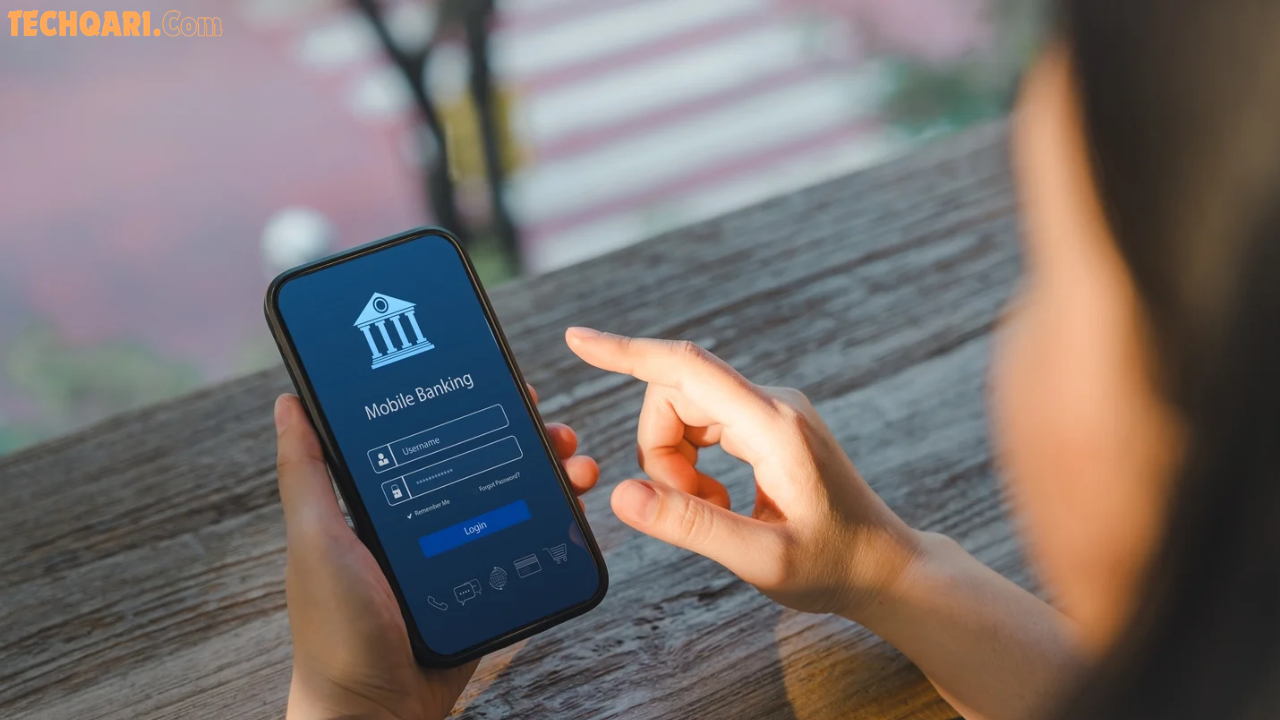

Let’s be honest — most of us keep our entire financial life inside a single app on our phone. One moment you’re paying a bill, next moment someone from an “unknown number” calls and your account is empty. Sound familiar?
Mobile banking fraud in Pakistan is real, it’s growing, and it’s targeting regular people like you and me. But here’s the good news: securing your banking apps on Android is not rocket science. A few smart habits can make the difference between keeping your money safe and losing it to a scammer.
In this guide, we’ll walk through everything you need to know about protecting your EasyPaisa, JazzCash, and UBL Digital accounts on Android — step by step, in plain language.
What Does “Securing Your Banking App” Actually Mean?
Before we jump into tips, let’s get on the same page.
When we talk about securing a mobile banking app like EasyPaisa, JazzCash, or UBL Digital, we’re talking about protecting your account from three main threats:
- Unauthorized access — someone else logging into your account
- Social engineering scams — fraudsters tricking you into sharing your PIN or OTP
- Malware and phishing — malicious apps or fake websites stealing your credentials
All three of these threats are very active in Pakistan right now. The FIA’s Cyber Crime Wing has repeatedly warned Pakistani users about ongoing fraud schemes specifically targeting EasyPaisa and JazzCash users. The typical trick is a fake call saying your account is “blocked,” and then asking for a 4–6 digit code sent to your number — which is actually your OTP.
The moment you share that code, your account is theirs.
So security here is both about your phone settings AND your own behavior. Let’s cover both.
Why Pakistani Mobile Banking Apps Are Being Targeted
Pakistan’s digital finance space has exploded in recent years. EasyPaisa alone has millions of active users, and JazzCash is described as Pakistan’s largest fintech app. UBL Digital serves over 4 million customers.
With so many people moving money digitally — especially through Android phones — fraudsters have found a large and sometimes unaware target base. Many users are first-time smartphone banking users who may not know the warning signs of a scam.
Also worth noting: in 2020 and 2022, there were reports of large-scale Jazz/Telenor database leaks on the dark web, which means some scammers already have your basic personal information before they even call you. This makes it even more important to never trust a caller just because they “know your name” or “know your number.”
General Android Security: The Foundation of App Safety
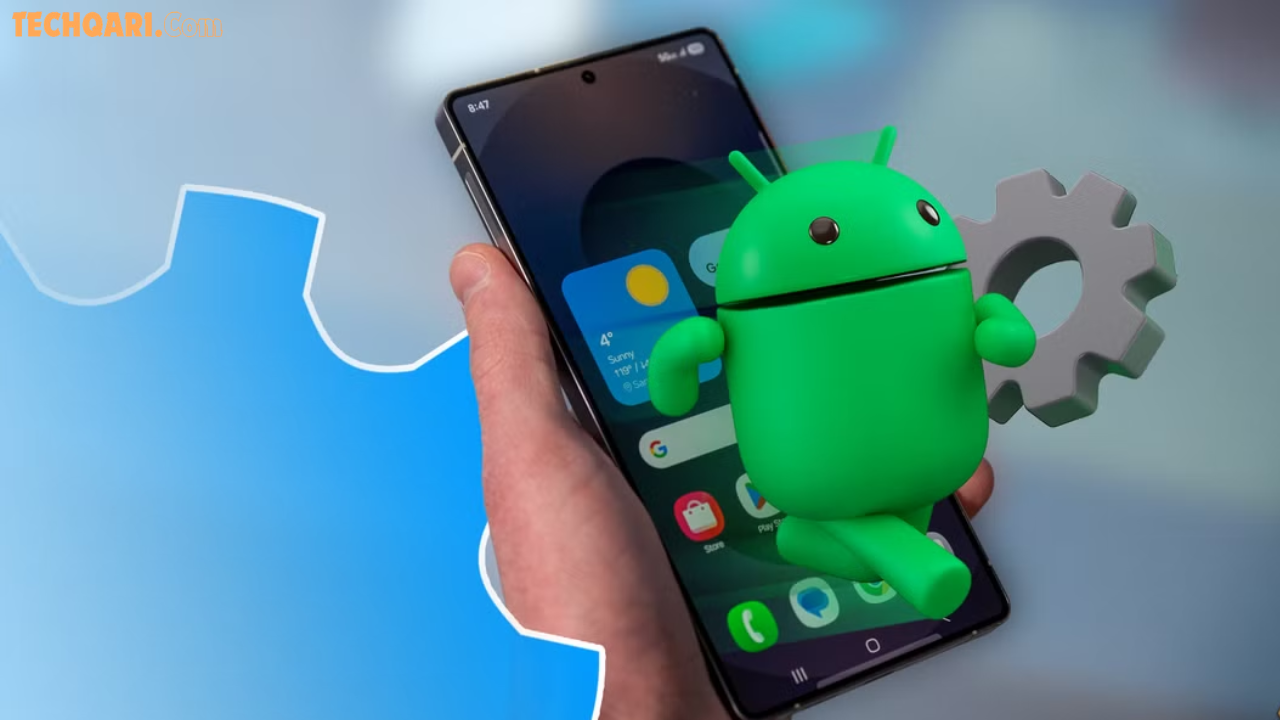
Here’s something most articles skip: securing the app starts with securing the phone itself. If your Android device is compromised, no app setting will save you.
Set a Strong Screen Lock
This seems obvious, but many people still use “1234” or “0000” as their PIN. Go to:
Settings → Security → Screen Lock
Use a 6-digit PIN at minimum, or even better, a strong alphanumeric password. Biometric login (fingerprint or face scan) is also excellent — it adds a layer of security without the inconvenience.
Keep Android and Apps Updated
Outdated software has known security vulnerabilities. Hackers exploit these. Both the Android operating system and your banking apps release security patches regularly.
Go to Settings → Software Update and enable automatic updates. Also check Google Play Store → Manage Apps and keep EasyPaisa, JazzCash, and UBL updated at all times.
Only Download Apps from Google Play Store
This is critical. Never download a banking app from a WhatsApp link, a third-party website, or someone’s “recommendation.” There are fake versions of EasyPaisa and JazzCash circulating online designed to steal your credentials.
Always verify the developer name on Play Store:
- EasyPaisa → Developer: Telenor Microfinance Bank
- JazzCash → Developer: Mobilink Microfinance Bank
- UBL Digital → Developer: United Bank Limited
If the developer name doesn’t match, do not install.
Turn Off “Install from Unknown Sources”
Go to Settings → Security → Install Unknown Apps and make sure this is turned OFF for all apps. This prevents malicious APKs from being installed on your phone even if someone tricks you into clicking a link.
How to Secure Your EasyPaisa Account on Android
EasyPaisa has grown into one of the most used digital banking platforms in Pakistan, offering everything from money transfers to loans to bill payments. But its wide user base also makes it a prime target.
Enable Biometric Verification in the App
EasyPaisa has a built-in biometric verification feature. Go to:
EasyPaisa App → Settings → Security → Enable Fingerprint/Face Login
This way, even if someone has your phone, they can’t open the app without your fingerprint.
Use a Strong, Unique MPIN
EasyPaisa uses a 5-digit MPIN to authorize transactions. Never use obvious combinations like:
- 12345
- 11111
- Your birth year (1998, 2000, etc.)
Pick something random and memorable to you but not guessable to others. And crucially — do not save your MPIN anywhere on your phone. Not in notes, not in WhatsApp, not in Google Keep.
Watch Out for the “Account Block” Scam
This is the most common EasyPaisa fraud in Pakistan. You’ll get a call saying your account is blocked. The caller sounds official. They ask for the code that just arrived on your SMS.
Real talk: EasyPaisa will NEVER ask you for your MPIN or OTP over a call. Full stop. If anyone asks for it — hang up immediately and call EasyPaisa’s real helpline at 0311-1003737.
Monitor Your Login Alerts
EasyPaisa sends SMS alerts from 3737 whenever someone logs into your account. If you get a login alert you didn’t trigger — call helpline immediately and request an account block until the issue is resolved.
How to Secure Your JazzCash Account on Android
JazzCash describes itself as Pakistan’s number one wallet, and its security has improved significantly over the years. One notable upgrade: the app now directly fetches OTPs internally, which reduces the window where a scammer could intercept your OTP via SMS. But user-side security still matters enormously.
Activate the JazzCash App Lock
After opening JazzCash, go to:
Profile → Security Settings → App Lock
Enable fingerprint or PIN-based app lock. This means even if someone picks up your phone and opens JazzCash, they can’t get past the lock screen.
Use a Unique Password, Not Your Phone PIN
Many people use the same PIN for their phone and their JazzCash account. Don’t. If a scammer somehow gets your phone PIN, they shouldn’t automatically get into your wallet too.
Never Share OTPs — Even with “JazzCash Representatives”
A major JazzCash fraud pattern involves callers pretending to be from Jazz’s customer support, saying they need your OTP to “verify” your account or process a refund. JazzCash’s real customer service team will never ask for your OTP.
To be extra safe, you can register a separate SIM exclusively for your JazzCash account — one that you don’t share with others or use on other apps.
Check Transaction History Regularly
Get in the habit of opening JazzCash once a day and reviewing your recent transactions. If you spot anything you didn’t do — even a small amount like Rs. 1 — that’s a red flag. Report it immediately via JazzCash in-app support or call 4444 from your Jazz number.
How to Secure Your UBL Digital Account on Android
UBL Digital is a full-scale bank app with higher transaction limits (up to Rs. 10 million daily) and more sensitive financial data than mobile wallets. That means the stakes are higher.
Always Enable Two-Factor Authentication (2FA)
UBL Digital supports 2FA by default. Make sure it is always active. This means every login and transaction requires both your password AND a one-time code sent to your registered number.
Never disable this feature for “convenience.” The minor inconvenience of entering an OTP is nothing compared to losing your savings.
Use UBL’s Card Lock Feature
UBL Digital allows you to lock and unlock your debit card directly from the app:
UBL App → Cards → Lock/Unlock Card
If your phone is stolen or you notice suspicious activity, immediately lock your card from another device before the thief can make transactions.
Set Low Transaction Limits When Not Needed
If you don’t regularly make large transfers, set your daily transfer limit lower. This can be done inside the app. Even if someone gains access to your account, they won’t be able to transfer large sums immediately.
UBL App → Settings → Banking Limits → Adjust Daily Limit
Enable/Disable Net Banking via the App
UBL lets you control your NetBanking access from within the mobile app. If you’re not actively using internet banking, disable it when not in use. This is an underrated security feature that most users ignore.
Comparison: Security Features Across EasyPaisa, JazzCash, and UBL
| Feature | EasyPaisa | JazzCash | UBL Digital |
|---|---|---|---|
| Biometric Login | ✅ Yes | ✅ Yes | ✅ Yes |
| In-App OTP Fetch | ❌ No | ✅ Yes | ✅ Yes |
| Transaction Alerts | ✅ SMS via 3737 | ✅ SMS alerts | ✅ SMS + Push |
| Card Lock/Unlock | ❌ Wallet only | ❌ Wallet only | ✅ Full card control |
| 2FA | ✅ MPIN + OTP | ✅ PIN + OTP | ✅ Password + OTP |
| Daily Limit Control | ❌ Fixed limits | ❌ Fixed limits | ✅ Adjustable |
| App Lock Feature | ✅ Yes | ✅ Yes | ✅ Yes |
Takeaway: UBL Digital offers the most comprehensive built-in security controls as a full bank. JazzCash has the advantage of internal OTP fetching, which reduces SMS interception risk. EasyPaisa’s main defense is user awareness and its SMS alert system.
Common Mistakes That Put Your Money at Risk
Here are the mistakes people make every day without realizing how dangerous they are:
1. Using public Wi-Fi for banking Open Wi-Fi at cafes, hospitals, or bus stops is a hacker’s playground. Avoid making any financial transactions on public networks. If you must, use a trusted VPN.
2. Sharing your phone with others “just for a moment” All it takes is a few seconds for someone to screenshot your account details or transfer money. Treat your banking phone like your wallet — guard it.
3. Saving screenshots of transactions in your gallery Your account number, CNIC, and balance are visible in transaction screenshots. If your phone gallery is backed up to a shared account or accessed by an app, this info is exposed.
4. Ignoring app permission requests When a banking app asks for permissions, review them carefully. A suspicious app asking for SMS access (to read your OTPs), call logs, or microphone access is a major red flag.
5. Clicking links in SMS messages Phishing SMS messages that look like they’re from EasyPaisa or JazzCash are very common. They say things like “Your account will be blocked — verify now.” Never click links in SMS. Always open the app directly.
What To Do If Your Account Gets Compromised
Despite all precautions, sometimes the worst happens. If you suspect your account has been accessed without your permission, act fast:
Immediate steps:
- Call the helpline right away:
- EasyPaisa: 0311-1003737
- JazzCash: 4444 (from Jazz number) or 051-111-786-786
- UBL: 0800-00786
- Request an immediate account freeze while you report the incident.
- File a complaint with the FIA Cyber Crime Wing at www.fia.gov.pk or call 1991.
- Change all your PINs, passwords, and MPINs from a different, trusted device.
- Visit your nearest bank branch with your CNIC if the issue involves UBL or any full bank account.
The faster you act, the better the chances of recovering your money or preventing further loss.
Pros and Cons of Each App’s Security Approach
EasyPaisa
Pros:
- Biometric login available
- Real-time SMS alerts via 3737
- Fraud awareness campaigns by the company
Cons:
- MPIN-only for many transactions (5-digit only)
- No card lock feature (wallet-based, not card-based)
- Some users report difficulty reaching customer support quickly
JazzCash
Pros:
- In-app OTP fetching (reduces SMS interception risk)
- Strong app lock feature
- Active fraud monitoring systems
Cons:
- OTP issues if SIM isn’t with you
- History of database-related concerns (2020, 2022 reports)
- Customer service can be slow in critical fraud cases
UBL Digital
Pros:
- Full bank-level security
- Adjustable daily limits
- Card lock/unlock feature
- 2FA enforced by default
Cons:
- Higher-value target for hackers due to full bank access
- App has had connectivity and login issues (per user reviews)
- More complex interface for first-time users
User Tips You Won’t Find in Official Guides
These are practical tips from real experience and user feedback:
- Register a dedicated SIM for banking. Keep one SIM that you don’t share with anyone and only use for receiving OTPs and banking alerts. Don’t use this number for social media or random sign-ups.
- Set a different wallpaper when banking. This sounds odd, but changing to a distinct wallpaper while using banking apps helps you mentally stay alert that you’re in “secure mode.”
- Use a password manager. Apps like Google Password Manager or Bitwarden let you create unique, strong passwords for every app without having to remember them all.
- Log out after every session. Many people stay permanently logged in. If your phone is lost or accessed, the app is wide open. Logging out every time adds one more layer.
- Notify family members about scam tactics. Older family members are often targeted because they’re less tech-savvy. Share the “never share your OTP” rule with your parents and siblings.
FAQs: Securing Mobile Banking Apps in Pakistan
Q1: Can someone hack my EasyPaisa account without having my phone?
Yes, if they know your registered phone number and can intercept or trick you into sharing your OTP. This is why the “account block” scam is so effective — it doesn’t require physical access to your device. Always ignore calls from unknown numbers claiming to be from EasyPaisa or JazzCash, and never share your OTP or MPIN with anyone.
Q2: Is JazzCash safe to use on a rooted Android phone?
It is strongly recommended NOT to use banking apps on rooted Android devices. Rooting removes many of Android’s built-in security protections and gives apps deeper access to your device. Most banking apps, including JazzCash and UBL Digital, will either refuse to run or show security warnings on rooted phones.
Q3: What should I do if I accidentally shared my UBL OTP with someone?
Call UBL helpline at 0800-00786 immediately. Ask them to freeze your account or the specific transaction. Then log into the app from a trusted device, change your password, and review all recent transactions. Act within minutes — every second counts.
Q4: How can I check if my EasyPaisa or JazzCash app is the official one?
Open Google Play Store, search for the app, and check the developer name. EasyPaisa’s official developer is “Telenor Microfinance Bank” and JazzCash is published by “Mobilink Microfinance Bank.” Check ratings, download count (millions), and look for the “Verified” badge. Any other version is suspicious.
Q5: Does using a VPN help secure my banking apps on Android?
A VPN helps protect your connection when using public Wi-Fi by encrypting your internet traffic. However, it does not protect against social engineering scams or phishing. Use a VPN as an added layer, but it’s not a substitute for strong PINs, biometric login, and scam awareness.
Conclusion: Your Money, Your Responsibility
Here’s the bottom line: EasyPaisa, JazzCash, and UBL Digital all have solid security features built in. The apps themselves are not the weak link — in most cases, the user is. And that’s not a criticism, that’s just reality.
Scammers in Pakistan are smart, patient, and relentless. But you can be smarter. Use strong PINs, enable biometric login, never share OTPs, update your apps regularly, and stay alert to suspicious calls or SMS messages.
Take 10 minutes today to go through each banking app you use and check that every security setting is properly enabled. That small investment of time could save you your entire savings.
Stay safe, stay secure, and keep banking smart. 💰🔒
Found this guide helpful? Share it with your family and friends — especially those who are new to mobile banking. You might just save someone’s account.